Shopify Address Verification: Boost Delivery Success

A customer places an order in under a minute. Your warehouse picks it in under an hour. Then the carrier scans it, hits a bad apartment number or a fake street entry, and the whole order slows down to a crawl.
That is how a small checkout mistake turns into an operations problem.
For high-volume brands, shopify address verification is not just a checkout enhancement. It is part of fulfillment control. The stores that handle it well do not treat address quality as a one-time form validation task. They handle it across the full order lifecycle, from first keystroke at checkout to post-purchase edits before the parcel leaves the building.
The True Cost of a Bad Shipping Address
One failed delivery rarely stays contained.
It starts with a carrier exception. Then support gets the ticket. Someone checks the order, compares what the customer entered against what the carrier accepted, reaches out for clarification, and decides whether to reroute, reship, refund, or wait. Finance sees the extra cost later. The customer sees the delay immediately.
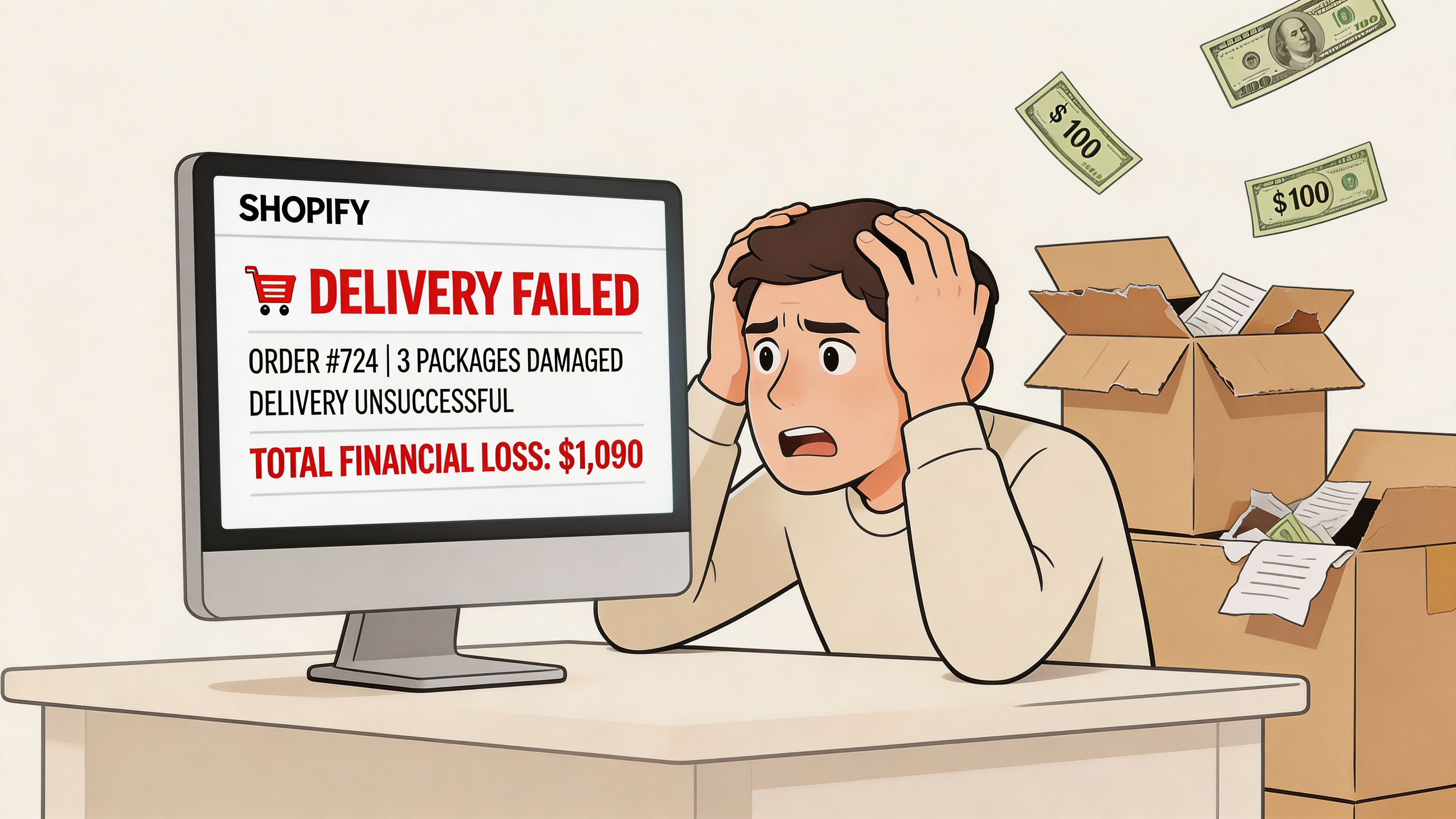
The direct cost is bad enough. Each incorrect address can cost a merchant $35 to $70 in returns and redelivery fees, according to the cited industry analysis in this YouTube source: https://www.youtube.com/watch?v=iMOZo9Q5SfY. That is before you count the extra handling inside your own team.
What the failure looks like in ops
In practice, the problem usually shows up in a few predictable ways:
- Bad autofill: A shopper taps the first suggestion on mobile and misses the unit number.
- Overconfident formatting checks: The form accepts something that looks valid but is not deliverable.
- International mismatch: The shopper enters a perfectly normal local format that your checkout does not understand.
- Customer typo under time pressure: One wrong digit in a street number is enough to break delivery.
The expensive part is the chain reaction.
A support lead has to verify the new address. The fulfillment team has to decide whether the label can still be edited. The warehouse may already have packed the order. If the package is already in motion, the carrier may charge again for interception or redelivery. None of that shows up in your conversion dashboard unless you go looking for it.
Why native checks are often not enough
Native checks are often not enough. Many merchants encounter difficulties at this point. They assume Shopify’s built-in checks are “good enough” because the form does not look broken. But the contrarian view is the useful one here. Native validation is often over-relied upon. It handles basic checks, but it does not reliably answer the operational question that matters most: Can this package get delivered the first time?
A lot of merchants only discover the gap after support volume rises.
Operational takeaway: Treat address accuracy as a fulfillment KPI, not a design setting.
If you want a useful primer on the checkout side of the problem before redesigning your workflow, this Shopify Address Validation guide is worth reviewing. It helps frame why autocomplete alone does not protect delivery performance.
Evaluating Your Shopify Address Verification Options
Most merchants start with whatever Shopify gives them by default. That is reasonable. It is also where many teams stop too early.
The problem is not that native tools do nothing. The problem is that they do not do enough for stores shipping at volume, across borders, or into address-heavy categories like apartments, offices, campuses, and parcel lockers.
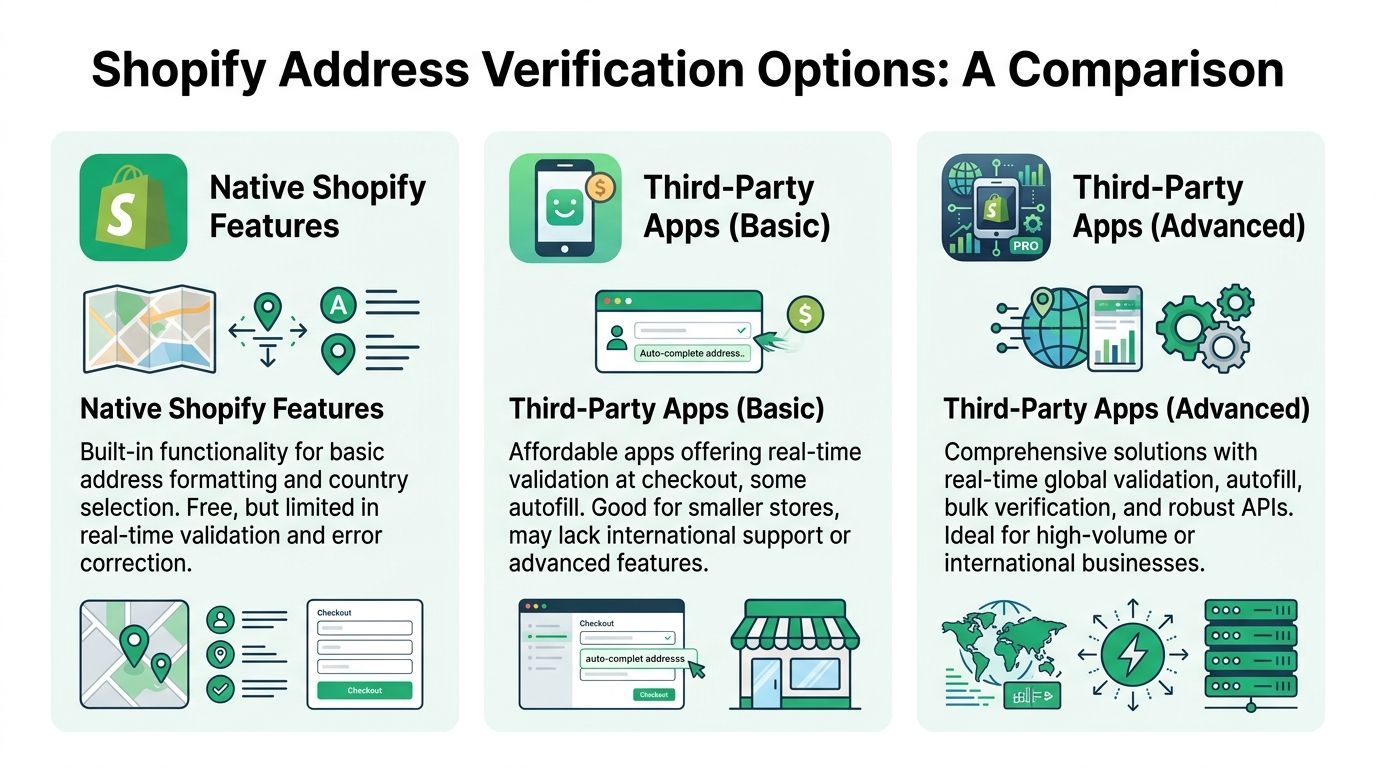
What Shopify native validation handles
Shopify’s native setup is useful for basic form hygiene.
It can help with address formatting, country selection, and simple checks. In some setups, it also leans on autocomplete behavior. That reduces obvious typos, especially for low-complexity domestic orders.
For a small store with mostly local shipments, that may be enough to start.
Where native validation falls short
The gap appears when you need deliverability, not just formatting.
Shopify’s native validation is described as inadequate for global scale in this analysis from Krishang Technolab, which notes that merchants often move to apps covering 240+ countries and that failed deliveries can cost 15 to 25 pounds per order, while fewer address-related issues can reduce support workload by 20% to 30% through fewer tickets: https://www.krishangtechnolab.com/blog/shopify-address-validation/
That matters because high-volume operations run into edge cases constantly:
- Apartment and suite logic: A street may be valid while the destination is still incomplete.
- PO Box handling: Some products and carriers allow them. Others do not.
- International formatting: Postal structure varies widely, and rigid forms break fast.
- Fake but plausible entries: An address can look clean and still prove undeliverable in practice.
- Post-purchase edits: Native checkout checks do not solve what happens after the order is submitted.
What third-party apps add
Dedicated tools usually do three things better.
First, they validate against broader postal or carrier-backed datasets. Second, they correct or suggest changes in real time. Third, they give ops teams more control over how errors are handled, flagged, routed, or approved.
Advanced tools also tend to support more than checkout. They can tag risky orders, feed downstream systems, and make manual review easier for support and fulfillment.
Shopify Native vs Third-Party Address Verification
| Feature | Shopify Native Validation | Third-Party Apps (e.g., SelfServe) |
|---|---|---|
| Address format checks | Basic support | Stronger parsing and correction workflows |
| Deliverability focus | Limited | Designed to verify likely deliverability |
| International coverage | Limited for complex global needs | Often supports 240+ countries |
| Apartment and unit handling | Often inconsistent | Better prompts and correction logic |
| Postal database matching | Basic | Commonly matched against carrier or postal data |
| Post-purchase correction support | Limited | Often available through order editing workflows |
| Ops visibility | Minimal | Tags, flags, logs, and review workflows |
| Best fit | Lower-complexity stores | High-volume, international, or support-heavy stores |
How to choose based on your operating model
Not every store needs the same stack.
If your orders are mostly domestic, your products are low urgency, and support volume is manageable, native tools plus disciplined manual review may be acceptable.
If you ship globally, rely on SLAs, or process enough orders that rework spills into team capacity, dedicated verification becomes much easier to justify.
Use these decision criteria:
- Global footprint: More destination countries usually means more formatting variance.
- Carrier mix: The more carrier rules you juggle, the less useful generic checks become.
- Support burden: If your team spends real time on address cleanup, automation pays for itself operationally.
- Order release speed: Fast-pick environments need cleaner data sooner.
- Post-purchase behavior: Brands that allow customer edits need validation beyond checkout.
Rule of thumb: If your team talks about “fixing addresses in the queue” every day, your checkout is not doing enough.
Implementing Real-Time Verification at Checkout
Installation is the easy part. Configuration is where most of the value sits.
A lot of merchants add an app, enable autocomplete, and expect the problem to disappear. It does not. Real-time verification works when the app is configured around your actual shipping risks, not around default settings.
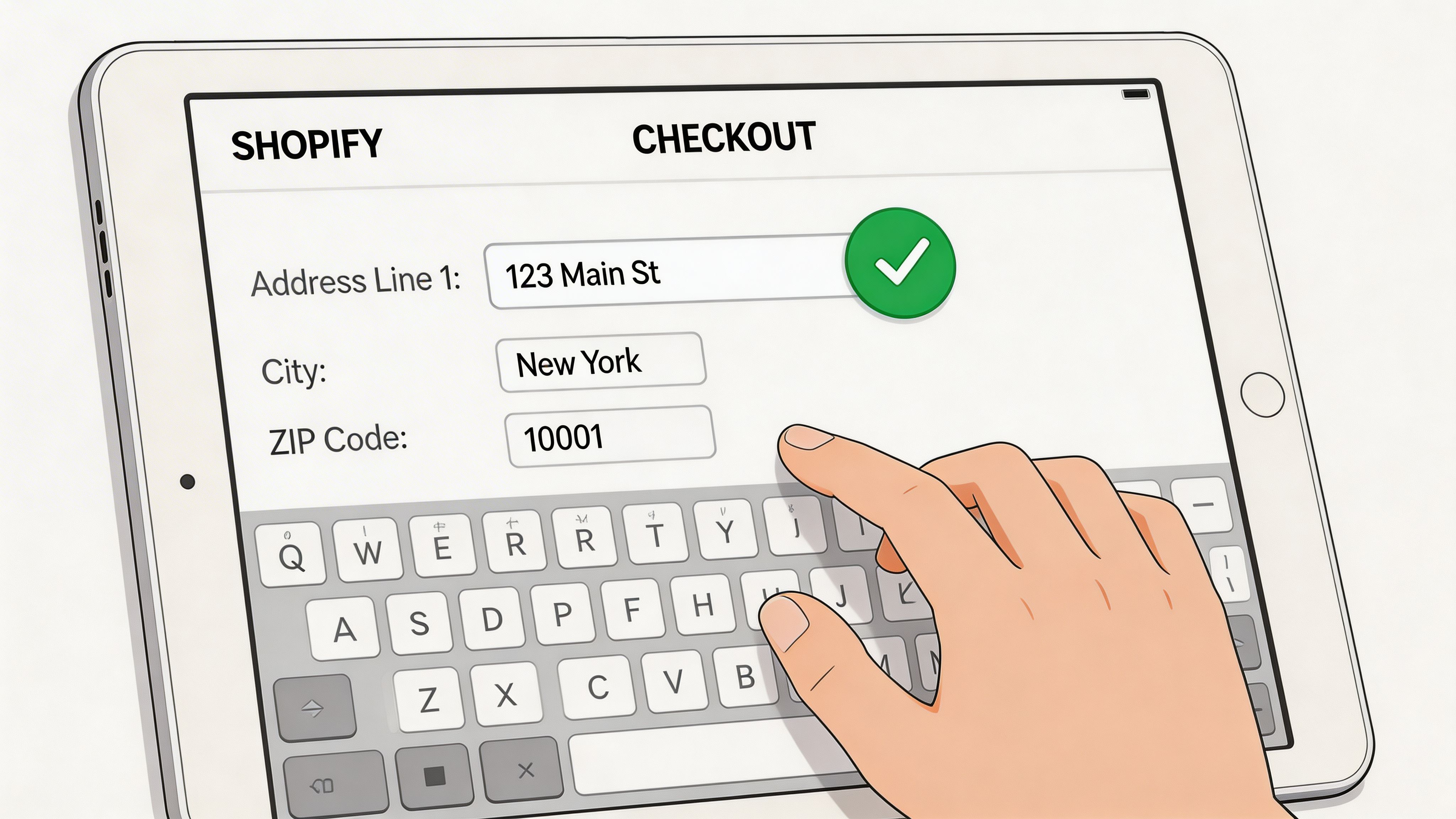
What the verification flow is doing
The stronger systems do more than suggest addresses. In the technical flow described by PostGrid, verification can involve API calls that parse address components, geocode them for deliverability, and score them on a 0 to 100 index. That process can achieve 90% to 98% accuracy in major markets, and A/B tests cited there show smooth autocomplete can lift AOV by 5% to 10% by increasing checkout trust: https://www.postgrid.com/shopify-business-address-verification/
That sounds technical, but the practical interpretation is simple. Your system is checking whether the address is complete, normalized, and likely usable before the order becomes a warehouse problem.
How to set it up without adding friction
A good rollout usually follows this order:
Install the app in a test environment first
Do not push straight to live checkout. Test domestic, international, apartment, PO Box, and obviously broken addresses.Connect autocomplete carefully
If your app supports Google Maps or a similar provider, enable it. Autocomplete helps speed and reduces manual entry, but it should sit alongside validation, not replace it.Tune strictness to your product and carrier reality
If you ship replacement parts, perishables, or expensive items, be stricter. If you sell low-cost items and optimize for frictionless conversion, use softer prompts and review flags.Customize prompts for missing details
“Please check your address” is weak. “Apartment or unit number missing?” is much more useful.Decide what happens on uncertainty
Some addresses should be blocked. Others should be accepted with a warning, tag, or support review.
A related implementation reference for checkout customization is this walkthrough on modifying the Shopify checkout page: https://www.getselfserve.com/post/modify-shopify-checkout-page
Prompts that work better than generic error states
Most bad checkout experiences come from vague messaging.
Use prompts that match the actual issue:
- For likely apartment gaps: Ask whether the building requires a unit, suite, or apartment number.
- For corrected formatting: Show the corrected version and let the customer confirm it.
- For possible ZIP or postal code mismatch: Prompt a recheck instead of accepting it without notification.
- For rural or low-confidence addresses: Allow review if you cannot validate with confidence.
What to test before going live
Do not only test clean addresses.
Build a short QA list with:
- A missing apartment number
- A PO Box
- An international address with local formatting
- A typo in the postal code
- A valid street with an invalid house number
- A customer who rejects the suggested correction
The goal is not perfection. The goal is predictable behavior.
Practical tip: Your checkout should help honest customers recover from mistakes quickly. It should not pass bad data downstream unchecked.
Where merchants overcorrect
The common failure mode is excessive strictness.
If you force every ambiguous address into a hard block, you will create unnecessary friction for valid orders, especially in dense urban areas and international regions where formatting is less standardized. A balanced setup catches obvious errors, suggests corrections, and reserves hard stops for high-risk cases.
That balance is what makes shopify address verification useful instead of annoying.
Mastering Post-Purchase Address Corrections
Checkout validation only catches the errors that happen before payment.
Customers still place orders from the wrong saved address. They still forget a unit number. They still message support five minutes later with “I just noticed my old apartment is on this order.”
That is why post-purchase correction matters so much. It closes the gap between checkout intent and fulfillment reality.
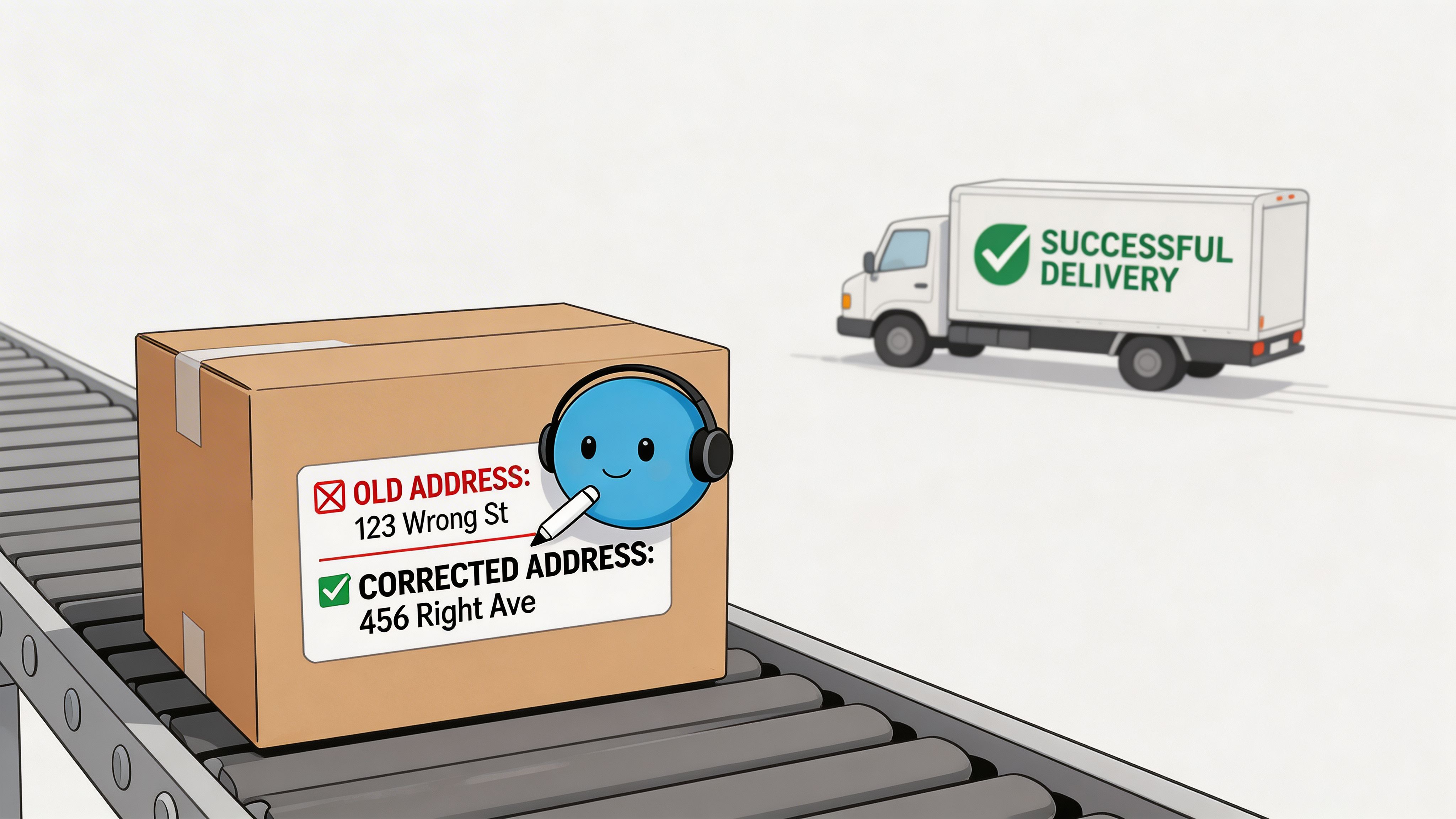
The missed operational opportunity
Most guides stop at checkout. That leaves support teams carrying the rest.
Address Guard’s write-up highlights this content gap directly. It notes that many resources cover checkout-time verification but not customer-initiated edits after purchase, even though incorrect addresses can cost $35 to $70 per order and validated self-serve edits can reduce support workload and prevent fulfillment errors without forcing cancel-and-recreate workflows: https://addressguard.io/shopify-integration/
This is not a minor edge case. It is one of the most practical workflow upgrades available to high-volume merchants.
What a strong post-purchase workflow looks like
You need a controlled edit window and the same validation discipline you use at checkout.
A practical workflow usually includes:
A defined time window
Customers can edit the shipping address only before the order enters an irreversible fulfillment stage.Permission-based control
Address edits may be allowed while item changes are restricted, or vice versa.Real-time validation on edited addresses
The customer should not be able to replace one bad address with another.Order tagging or review states
Some edits should route to manual review when risk is higher.Clear customer messaging
Show when the order is still editable and when it is locked.
Why self-serve beats manual support
When support owns every address correction, the team becomes a bottleneck.
That creates three problems at once. Customers wait longer. Agents spend time on repetitive requests. Fulfillment teams receive updates through inconsistent channels such as email, internal chat, or order notes.
A customer-facing workflow is cleaner. One option in this category is SelfServe, which offers address and contact editing with real-time address validation in post-purchase flows. For merchants evaluating that route, the feature overview is here: https://www.getselfserve.com/features/address-and-contact-editing
The value is operational, not cosmetic. The customer edits inside a controlled system. The order gets updated in one place. The warehouse is less likely to act on stale information.
Guardrails that keep edits safe
Post-purchase editing should not mean unrestricted changes.
Use guardrails such as:
- Lock edits after release to fulfillment
- Require validation on every updated address
- Flag changes to high-risk destinations for review
- Separate contact-detail edits from shipping-address edits
- Preserve an audit trail of what changed and when
Best practice: Let customers fix routine mistakes themselves, but keep decision points for anything that affects fraud risk, carrier restrictions, or inventory allocation.
The stores that handle this well reduce ticket volume and avoid unnecessary cancellations. More significantly, they give customers a way to fix honest mistakes before those mistakes turn into failed deliveries.
Optimizing for Global Scale and Edge Cases
The hardest part of shopify address verification is not the ordinary address. It is everything that sits outside the ordinary.
Global merchants deal with scripts, formats, postal conventions, and carrier rules that do not fit neatly into one form layout. If your system only works for simple domestic addresses, it will break in the places where shipping is already most expensive.
Build around authoritative postal data
At scale, broad coverage matters.
Experian validated 26 million addresses on Black Friday alone, which is a good reminder of how much address data gets processed during peak periods. Its address validation coverage spans 250 countries using authoritative sources such as USPS, Royal Mail, and Australia Post, according to this EDQ article: https://www.edq.com/blog/improve-ecommerce-data-quality-with-shopify-address-validation/
That matters because global validation is only as good as the reference data behind it.
The edge cases that deserve explicit rules
Do not leave the tricky scenarios to “see what happens.”
Create rules for the address types your team sees repeatedly:
- PO Boxes: Some carriers accept them, some services do not. Match the rule to the service level and product type.
- Military and diplomatic destinations: These often need distinct formatting and staff awareness.
- Parcel lockers and pickup points: They can be valid but may confuse generic validators.
- Non-Latin scripts: Decide whether you need local-script capture, Latin-character conversion, or both.
- Business deliveries: Company name fields matter more than many checkouts assume.
Team process matters as much as software
Even the best validator will produce exceptions.
Your support and fulfillment teams need a shared playbook for what happens when an address is flagged. That includes who reviews it, how the customer is contacted, what gets held, and when an order can still move forward.
A simple operating model works well:
| Scenario | Team action |
|---|---|
| Minor formatting issue | Auto-correct and proceed |
| Missing secondary information | Prompt customer or route for quick confirmation |
| Carrier-restricted destination | Review against shipping method rules |
| Low-confidence international address | Manual verification before release |
| Post-purchase change near fulfillment cut-off | Hold briefly or reject edit based on SLA |
Cross-border ops need connected systems
Address quality becomes more important when multiple systems touch the same order.
If your storefront, OMS, ERP, and 3PL all read address data differently, one bad field mapping can create downstream errors even after a customer entered a valid address. This is one reason cross-border workflows deserve direct attention. For teams refining that side of operations, this overview of cross-border logistics companies is useful context: https://www.getselfserve.com/post/cross-border-logistics-companies
The practical lesson is simple. Global scale is not just more countries. It is more exceptions, more handoffs, and more chances for weak address data to get amplified.
Key takeaway: Standardize what you can, whitelist valid exceptions, and train humans to review the small set of orders automation cannot confidently resolve.
Measuring Success and Operational Best Practices
If you cannot measure the effect of address controls, the project will eventually get treated as a nice-to-have.
Address verification earns its place when it shows up in fewer exceptions, cleaner fulfillment, and less support rework.
The metrics that matter most
You do not need a complicated dashboard to start. Track a short list consistently.
- Failed delivery rate: Monitor how often orders fail because the address was incomplete, incorrect, or undeliverable.
- Address-related support tickets: Tag tickets so you can see whether checkout and post-purchase changes are reducing avoidable contacts.
- Reship and refund causes: Separate address-caused issues from carrier-caused ones.
- Manual review volume: Count how many orders require human intervention before release.
- Edit success rate: If you offer self-serve post-purchase changes, track how often customers fix the issue without agent involvement.
Build a clean feedback loop
Address quality should be reviewed weekly by ops, support, and fulfillment together.
That review does not need to be long. It needs to answer a few questions:
- What types of address failures showed up this week
- Did checkout catch what it should have caught
- Did post-purchase edits prevent manual tickets
- Which carrier or destination patterns need new rules
- Did any app logic create unnecessary customer friction
This is also where data discipline matters. If teams use inconsistent ticket tags or warehouse notes, you will never get a trustworthy read on what changed. For that broader measurement mindset, a practical playbook on ensuring data integrity is a useful companion resource.
Best practices that hold up in real operations
A durable setup usually follows these principles:
- Validate early: Catch obvious problems during address entry, not after label creation.
- Validate again on customer edits: Post-purchase changes need the same scrutiny as checkout.
- Use clear customer prompts: Specific guidance beats generic error text.
- Define cut-off rules: Customers can edit only while the order is still operationally editable.
- Train teams on exceptions: The unusual address types should not surprise your staff.
- Review outcomes regularly: Failed deliveries and support tickets should feed back into rule tuning.
The stores that improve fastest treat address verification as an ongoing ops system. They do not install it once and forget it.
Frequently Asked Questions
Does shopify address verification slow down checkout
It can if the setup is messy or if too many scripts compete for the same moment in checkout. In practice, the better approach is to keep validation focused on the address fields, use clean prompts, and test on mobile. A small amount of friction that prevents bad orders is usually worth it. Excessive prompts are not.
What is the difference between validation and standardization
Validation asks whether the address is likely real, complete, and deliverable. Standardization reformats the address into the accepted postal structure. You want both. A perfectly standardized bad address is still a bad address.
Is Shopify’s built-in validation enough for international stores
Usually not for complex global operations. It helps with basic input quality, but international stores often need broader country coverage, stronger correction logic, and better handling of edge cases like unit numbers, local formats, and post-purchase changes.
Should customers be allowed to edit addresses after ordering
Yes, but only within a controlled window and only with validation in place. Unrestricted edits create fulfillment risk. No edit option at all creates support burden and unnecessary cancellations.
How does this affect subscription or repeat orders
Repeat-order businesses should pay close attention to saved addresses. Customers move, shipping rules change, and old addresses linger in account data. Add validation when the customer updates account details and when they edit an upcoming order, not only during the original purchase.
If your team is still handling address fixes through support tickets, order notes, and last-minute warehouse messages, SelfServe is worth evaluating. It gives Shopify merchants a controlled way to let customers edit shipping and contact details after purchase, with real-time address validation, configurable permissions, multilingual support, and workflows that fit high-volume operations without handing over full control.