Optimize UPS Electronic Return Label Process
Returns break in the same place for a lot of Shopify teams. A customer wants to send something back. Support asks for the order number. Someone verifies policy by hand. Another teammate creates a label, emails it over, then follows up again when the customer says the file did not arrive or the QR option is unclear.
That process works when return volume is low. It falls apart when your store is moving enough orders that returns show up every hour, not every week.
A ups electronic return label fixes more than label delivery. It gives operations teams a way to standardize decisions, remove repetitive support work, and make the return path feel as polished as checkout. For high-volume stores, that matters because every extra email in a return creates cost, delay, and another chance for the customer to lose confidence.
The Hidden Costs of an Outdated Returns Process
A manual returns process rarely looks expensive on paper. It looks like small tasks. One support reply. One label request. One correction to a misspelled email address. One reminder to remove an old shipping label from the box.
Then volume hits.
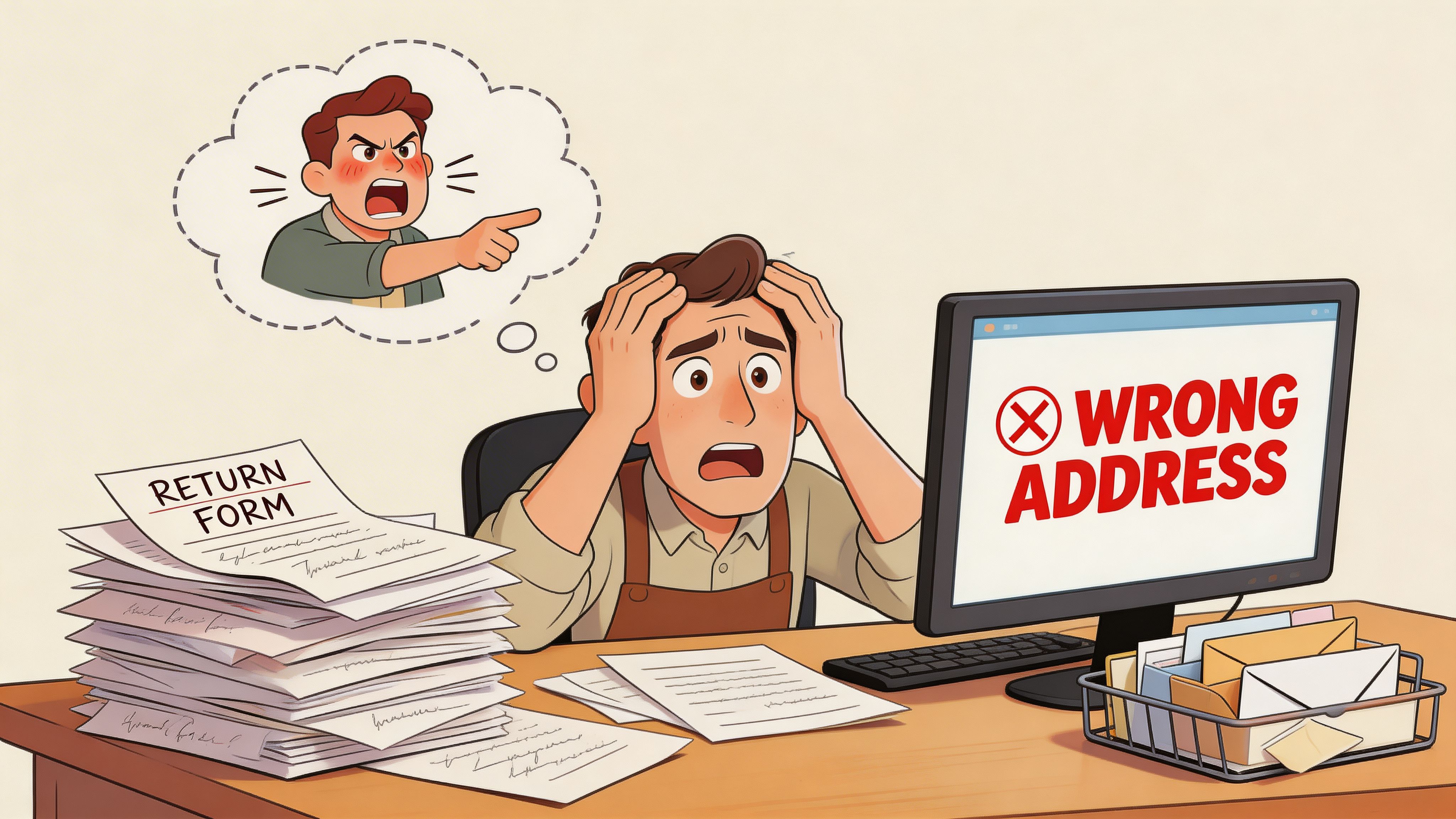
Where the actual cost shows up
The first cost is staff time. Returns create fragmented work across support, warehouse, and finance. Nobody handles one large task. Everyone handles dozens of small interruptions.
The second cost is inconsistency. One agent sends a PDF. Another pastes UPS instructions into an email. A third forgets to include packaging guidance. Customers notice that immediately.
The third cost is avoidable failure. Labels get sent to the wrong address. Customers tape over the barcode. The package arrives with an old outbound label still attached. The return itself becomes a support event.
For high-volume stores, this is not a niche edge case. It is part of daily operations. UPS expected to induct 1.75 million returns daily during its peak week in early 2021, a 23% surge over the previous year’s peak, according to Supply Chain Dive’s coverage of UPS returns volumes. That scale is the clearest reason manual returns handling stops being sustainable.
What outdated workflows usually get wrong
Teams usually struggle in three places:
- Request intake: Customers must email support to start a return, even for routine policy-approved cases.
- Label creation: Staff generate labels one by one, often with manual copy-paste from Shopify order data.
- Customer guidance: Instructions are buried in freeform emails instead of standardized templates.
Tip: If your team still treats returns as a support exception instead of an operational workflow, you will keep solving the same issue one ticket at a time.
A better system starts with one idea. Generate the label only when the return is approved, deliver it digitally, and make the steps predictable for both staff and shoppers. That is why electronic labels matter. They do not just replace paper. They replace improvisation.
Why Electronic Labels Win Over Physical Alternatives
A returns process starts to break when the label is treated like packaging instead of workflow control. In a high-volume Shopify operation, the label decides who does work, when they do it, and whether support gets dragged into a return that should have resolved itself.
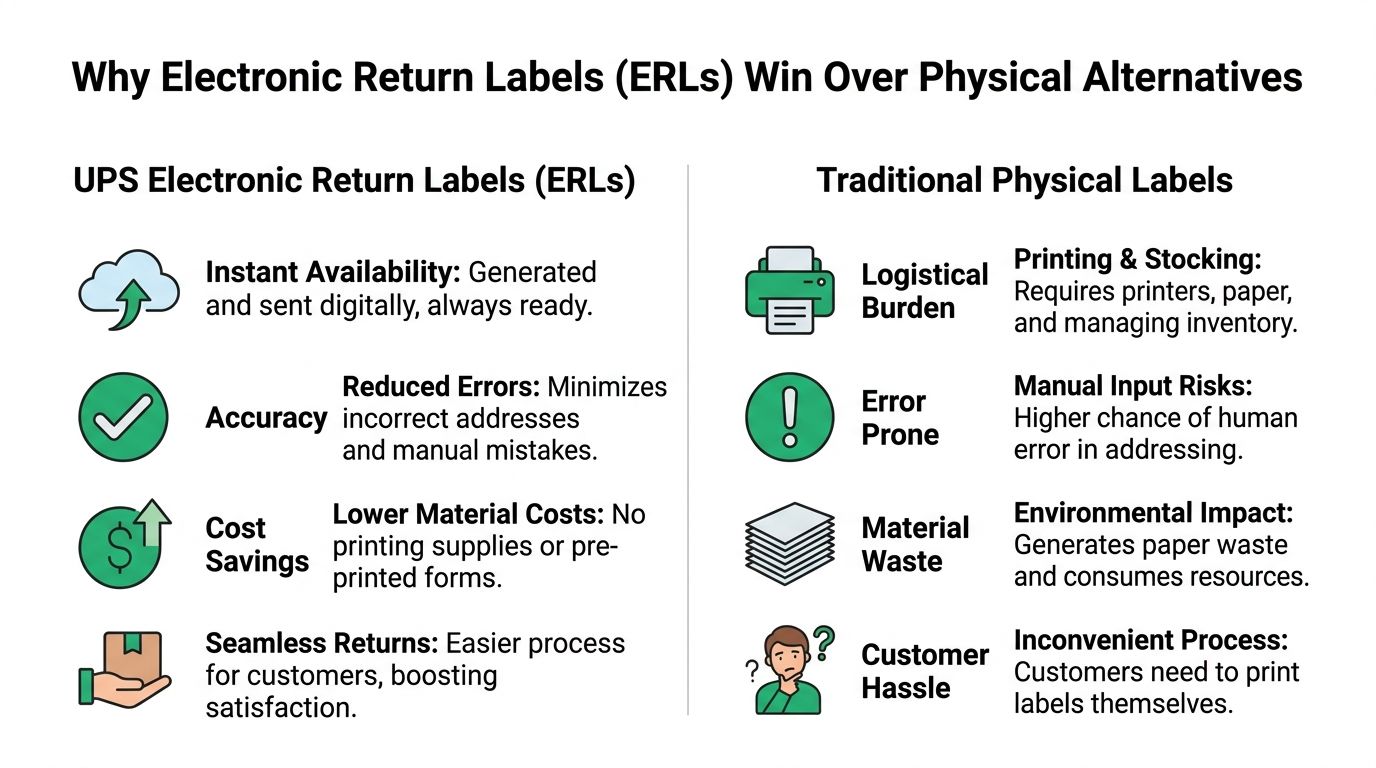
Three return label models
Stores generally choose one of three models:
- Include a printed label in the box
- Mail a physical label after the request
- Send a UPS electronic return label by email
Each option can work. The question is what breaks under volume.
A printed in-box label reduces effort for the customer, but it also means paying to produce return paperwork for orders that never come back. It creates another operational issue too. Customers often use the wrong label, send back the wrong item, or start a return outside policy because the label is already sitting in the package.
Mailing a physical label after approval gives the business more control, but it adds delay at the exact point where customers want speed. That delay shows up in WISMO-style tickets, follow-up emails, and stalled return windows.
Electronic labels fit high-volume ecommerce better because they are created only after the return is approved and can be tied to the actual order, item set, and reason code. That matters more than convenience alone. It gives operations teams a clean trigger for automation.
Why ERLs usually win
For Shopify brands processing returns every day, the primary advantage is system design.
An electronic return label can be generated from the approved return record, sent automatically, logged back to the order, and paired with standardized instructions. That is much harder to do with pre-printed labels, and it is slower with labels sent through the mail. Once stores connect ERLs to a returns portal or a tool like SelfServe, support stops answering basic label requests one by one and starts handling actual exceptions.
Here is the trade-off in practical terms:
| Method | Best use | Main drawback |
|---|---|---|
| Printed in the box | Fixed return programs, simple catalogs | Waste on non-returned orders and weaker policy control |
| Mailed after request | Exceptions, recalls, customers who cannot access email easily | Slower turnaround and more staff handling |
| Electronic return label | High-volume ecommerce returns | Depends on accurate customer data and clear automated messaging |
The customer experience improves too. Shoppers do not have to wait for your team to print, pack, and post anything. They get the label in the same flow as the return approval, which shortens the gap between request and shipment.
That speed matters, but the bigger benefit is consistency. A good ERL process uses the same trigger, the same message template, and the same tracking path every time. That is what lowers avoidable tickets.
Internal buy-in is easier when the trade-offs are clear
Operations, support, and warehouse leaders usually care about different parts of the returns process. Electronic labels tend to align those interests better than physical alternatives:
- Lower waste: Labels are created only for approved returns.
- Stronger policy enforcement: The label is tied to a current return authorization, not left loose in the original box.
- Cleaner automation: Shopify order data, return reasons, and customer notifications can stay in one workflow.
- Better exception handling: Failed delivery, bad email data, and delayed scans are easier to identify in a digital process than in a mailed-label process.
For teams comparing label strategies, this overview of what a return label does in the broader returns workflow is a useful reference.
Key takeaway: Physical labels help a package move. Electronic labels help the returns system run on rules instead of manual follow-up.
How to Generate a UPS Electronic Return Label
Manual creation still matters, even if you plan to automate later. Your team needs to understand the underlying UPS workflow before you hand it off to rules, portals, or integrations.
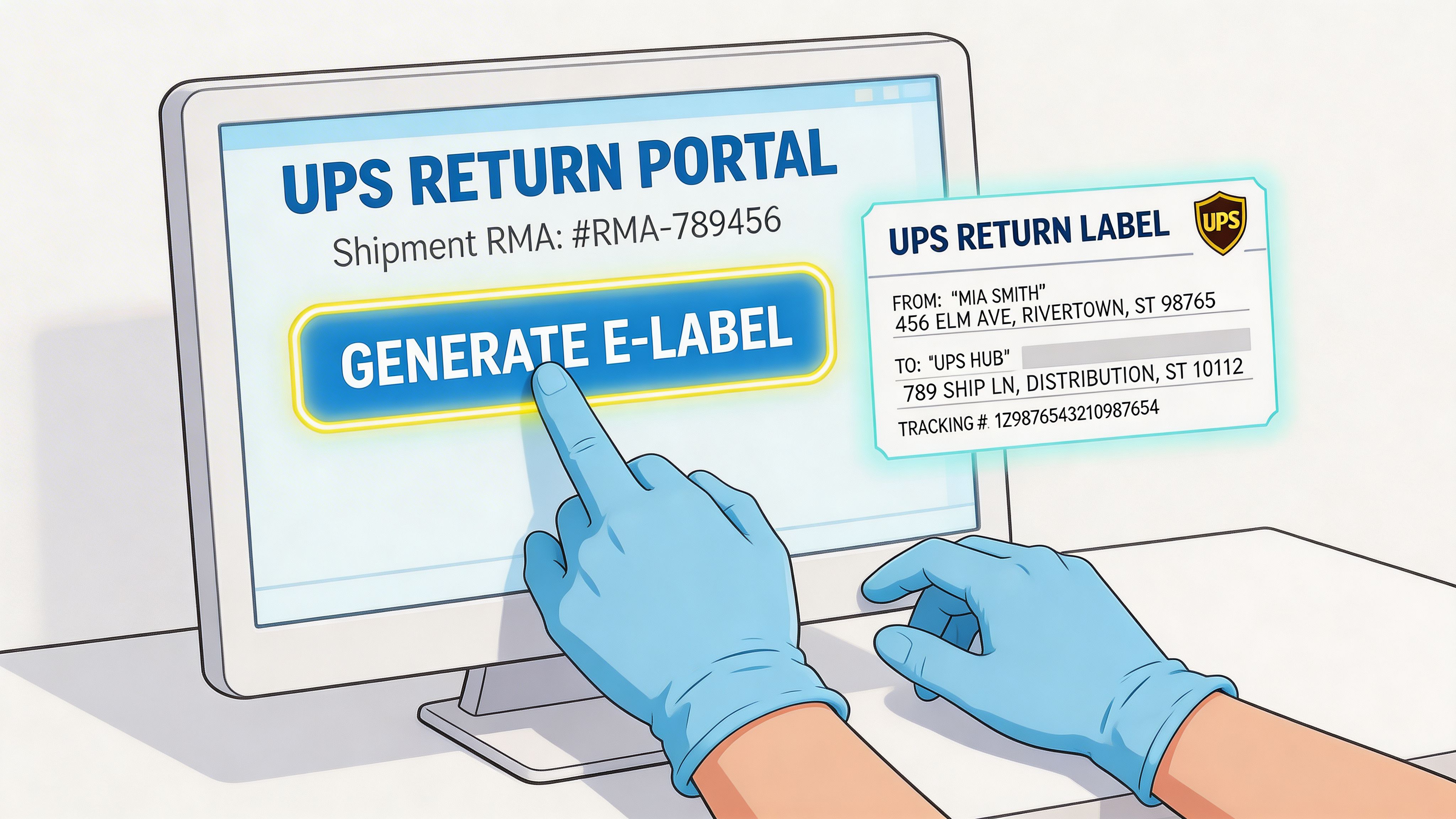
The WorldShip path that matters
In UPS WorldShip, go to Shipping, then Return Services, and select UPS Electronic Return Label. The important fields are the customer’s recipient email and the Failed E-mail Address for bounce notifications, which occur in 5-10% of manual entries according to the UPS return services documentation.
That failed-email field is not optional in practice. Too many teams treat it like administrative overhead. It is the safety net that tells you the customer never received the label.
The practical setup steps
Use this sequence when creating a label manually:
Open the order record first
Do not start in WorldShip and then go hunting for details. Confirm the order number, customer email, items being returned, and your approved return reason before you generate anything.Choose Return Services in WorldShip
Once you select UPS Electronic Return Label, the interface shifts from outbound logic to return logic. That matters because the address roles change. You are now defining where the item goes back to.Enter the customer email carefully
This is the most common human-error field. Copying from Shopify is safer than retyping. If your team accepts return requests by email, compare the order email against the message sender before sending the label.Add a failed-email destination your team monitors
Use a shared operations or support inbox, not one employee’s personal address. Someone needs to see bounce notifications and act on them.Select the instruction and receipt language
This is easy to skip, especially for domestic returns. Do not skip it if you serve multilingual markets. A return instruction the customer can understand reduces confusion before it reaches support.Generate and send the label
UPS emails the label with printing instructions and a customer receipt. Save the shipment reference in your order notes or return tracking workflow immediately after creation.
What customers need from you
The label itself is not enough. Your instruction layer matters just as much.
Customers should know to:
- Remove old labels: Any existing tracking label on the box can create routing confusion.
- Attach the new label cleanly: If they use tape, it should secure the label without creating scanning problems.
- Use approved drop-off points: Customer Centers, Authorized Outlets, and eligible Drop Boxes are common options for UPS return services.
This walkthrough helps if your team wants a visual reference before training staff:
Where manual generation starts to break
Creating one label manually is manageable. Creating hundreds is where cracks show.
You will see the same failure modes repeat:
- Agents use inconsistent instructions
- Bounce notifications sit unnoticed
- Return routing changes are not reflected in the latest template
- International exceptions get handled differently every time
Tip: Build a standard operating procedure around label generation before volume forces one on you. The best SOP is short enough for support to follow and strict enough for warehouse and finance to trust.
Manual generation is a solid foundation. It is not a scalable operating model for a high-volume Shopify store. The more returns you process, the more you want customers entering a guided workflow instead of waiting on an agent to create each label by hand.
Automating E-Labels in Your Shopify Workflow
Monday morning is where weak returns systems show up. Support opens to a queue of "where is my label?" tickets, warehouse staff cannot tell which returns are authorized, and the ops team is still fixing routing rules by hand. In a high-volume Shopify store, that is not a customer service problem alone. It is a systems problem.
A modern UPS e-label workflow should start inside a controlled return flow, not in a shared inbox. The customer identifies the order, selects the item, submits the reason, and gets the correct next step based on rules your team already approved. That is how you keep return volume from turning into support volume.
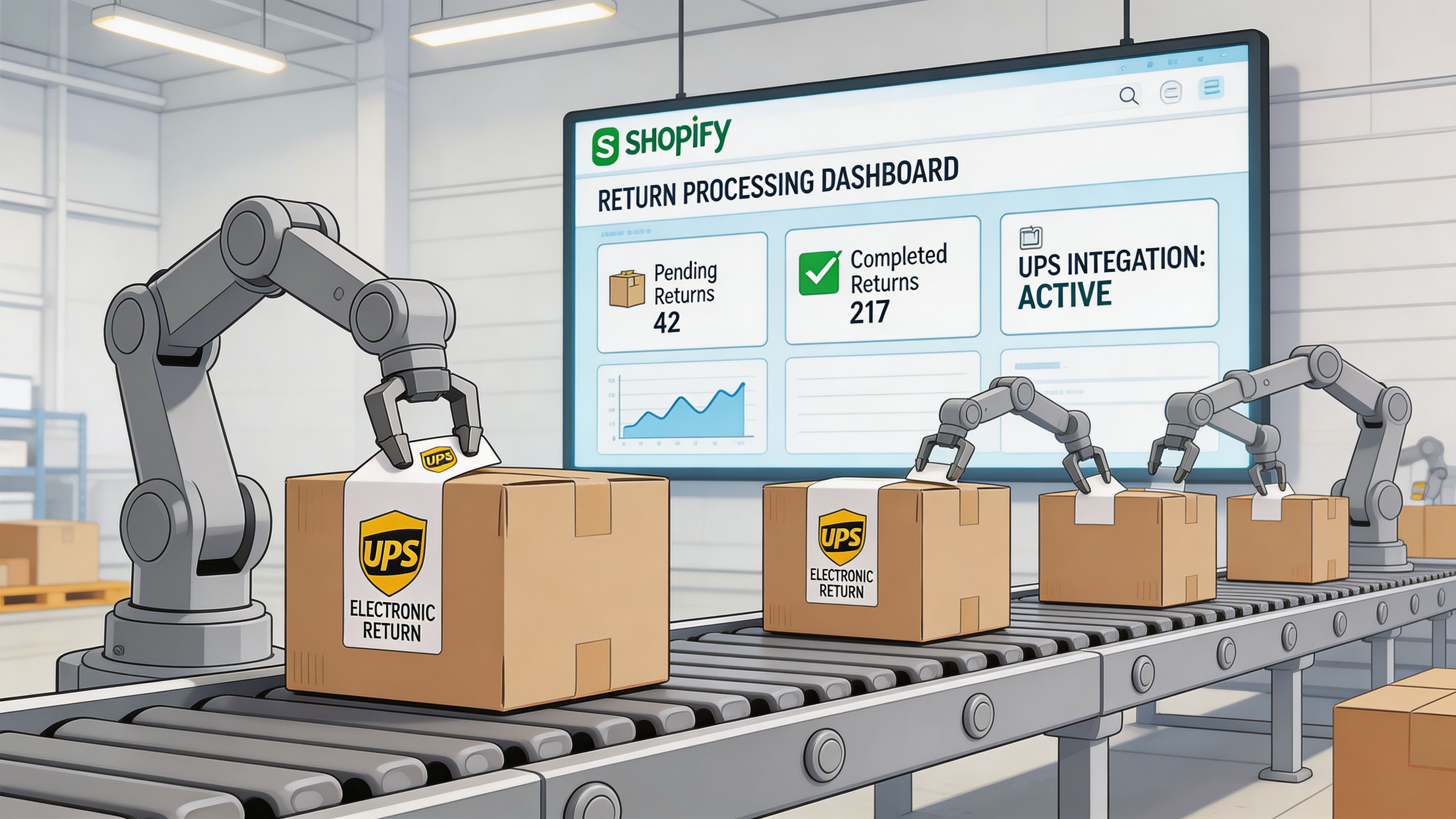
What automation should handle
If all your setup does is generate a label, you have only automated one click. The true value comes from controlling the decisions around that label.
A solid Shopify workflow should:
- Validate eligibility before approval: Check order date, SKU rules, final sale exclusions, fraud flags, and destination logic before the customer gets a UPS e-label.
- Collect structured return reasons: Standardized reason codes make it easier to spot product defects, sizing issues, and policy abuse.
- Send the label automatically: Approved returns should trigger the UPS electronic return label without waiting for an agent to review a routine case.
- Sync status across tools: Shopify, your help desk, warehouse view, and finance notes should all reflect the same return state.
- Route exceptions to a person: High-value items, international orders, hazmat products, and exchange requests usually need a different path.
That last point matters. Full automation sounds efficient until it approves a return that should have been inspected first. Good operators automate the predictable cases and hold back the expensive ones.
Why high-volume Shopify stores benefit most
Customers do not want to email support for a task your store can handle through rules. As noted earlier, return expectations keep rising. The operational takeaway is simple. Speed and clarity matter more than clever policy wording.
For Shopify stores doing meaningful volume, the biggest win is fewer avoidable contacts. When customers can start a return themselves, receive the right UPS e-label, and track what happens next, support stops answering the same basic questions all day. Tools like SelfServe help by turning return requests into a guided flow tied to Shopify order data, instead of leaving agents to build every case manually.
That is the shift. Returns become a managed process, not a series of one-off support decisions.
A practical Shopify setup
The cleanest implementation usually has three layers.
1. Customer-facing return intake
Use a structured return portal, not freeform email. Pull order details directly from Shopify so the customer is selecting from known data instead of typing everything manually. This cuts typos, speeds approvals, and gives your team cleaner reporting.
2. Rules engine for approval and label release
Set approval logic around the cases that repeat every day. Common examples include domestic orders inside the return window, low-risk SKUs, and standard refund requests. Reserve manual review for edge cases where routing, refund timing, or item condition can affect margin.
If you need a reference point for the carrier side of the process, this guide on UPS create a return label is useful when mapping the handoff between Shopify automation and UPS label generation.
3. Shared operational visibility
Support, ops, and warehouse teams need one source of truth. If support marks a return approved in one tool while the warehouse relies on a spreadsheet, you will get duplicate refunds, missing RMAs, or returned items with no clear disposition path. Broader process design matters in such cases. This guide to workflow automation for small business is a useful reference if you are formalizing those rules across the business.
Key takeaway: The goal is not to automate everything. The goal is to automate routine returns well enough that your team can spend its time on exceptions, recovery, and margin protection.
Optimizing Costs and Troubleshooting Common Label Issues
Once your process works, the next job is to make it cheaper, cleaner, and harder to break.
Returns often leak cost through avoidable mistakes rather than dramatic failures. A label scans poorly. A customer never receives it. Customs paperwork is incomplete. Someone routes a low-value return through a process designed for high-touch exceptions.
The failures worth fixing first
The most common label issue is simple. The barcode gets obstructed by tape or placement.
UPS notes that barcode obstruction from tape can lead to up to an 18% rejection rate, while first-scan acceptance can reach 95% with proper label handling, according to UPS guidance on simplifying returns. That gap tells you exactly where to focus. Better instructions beat reactive troubleshooting.
Email delivery is the next weak point. If the customer never gets the label, support has to re-open the case, verify identity again, and resend instructions. Verified customer addresses and standardized resend procedures matter more than many teams assume.
A practical troubleshooting table
| Issue | Likely cause | Best response |
|---|---|---|
| Label will not scan | Tape or placement interfered with barcode | Send a simple visual instruction set and remind customers not to cover barcode elements |
| Customer says no label arrived | Bad email address or message filtered out | Verify the order email, check bounce handling, resend through the approved workflow |
| Return stalls internationally | Documentation missing or incomplete | Review customs requirements before label release |
| Return cost feels too high | Service choice does not match item value or policy | Revisit which returns deserve premium handling |
Cost control without damaging the experience
A few operating choices usually matter most:
- Match service to item value: Not every return deserves the same handling. Build rules around product category, margin, and resale path.
- Use exception paths sparingly: Driver pickup and special handling can be useful, but they should be reserved for cases where the customer or product justifies the extra cost.
- Tighten packaging instructions: Returns fail when customers improvise. Give them one approved method, not a paragraph of options.
- Prepare for cross-border paperwork: For non-EU customs scenarios, documentation quality matters. Missing details can slow returns that were otherwise approved correctly.
For merchants trying to think more broadly about shipment efficiency, these route optimization strategies are worth reading because they sharpen how teams think about movement, drop-off logic, and operational waste across the broader shipping network.
And if you are reviewing the financial side of cross-border returns, this guide on UPS international shipping cost gives useful context for setting realistic return policies.
Tip: Many return problems do not need a heroic fix. They need better defaults. Better email capture, better label instructions, better exception rules.
Guiding Your Customers Through the Return Process
A return process is only as strong as the instructions the customer sees.
If your internal workflow is organized but the customer email is vague, support still gets dragged back into the transaction. The fix is simple. Write instructions that answer the customer’s next question before they ask it.
What customers need to know
Keep the message short and operational. Most customers only need four things:
- Which item is approved for return
- How they will receive the label
- Whether they should print it or use a barcode option
- Where they can drop the package
If your process supports both print-at-home and barcode-based options, say so in plain language. Do not make the customer infer that from a carrier email.
A usable email template
You can adapt this for your return confirmation:
Your return has been approved.
We’ve sent your UPS electronic return label to the email address on your order.If you’re printing at home, print the label and attach it securely to the package. Remove or cover any old shipping labels before drop-off.
If your return option includes a barcode, bring it to the applicable UPS location and follow the instructions provided in the email.
Please pack the approved item securely and include any required components. Once your package is in transit, you can monitor the return using the tracking details in your label email.
Keep customer language operational, not legalistic
The best return instructions are direct. They do not sound like policy documents.
Use short sentences. Name the action. Put the most important warning near the top, especially anything related to old labels, packaging, or where not to place tape.
A customer who can complete the return without contacting support is not just easier to serve. They are also more likely to feel that your brand handled the problem professionally.
If your Shopify team wants to reduce return-related support work and give customers a cleaner post-purchase experience, SelfServe is built for exactly that. It helps merchants put order changes, address updates, and return workflows into a structured self-service flow so your team can spend less time on repetitive tickets and more time on true exceptions.